Win the work
Invite subs, compare and level the quotes, carry one per trade, build the estimate and submit - no spreadsheet.
Drawings and operations for general contractors
From the first bid to the final payment, the drawings, the people, the schedule, the changes and the money stay connected - even when the job changes halfway through.
30 days free · no card · got drawings by link? Just open it again.
The set
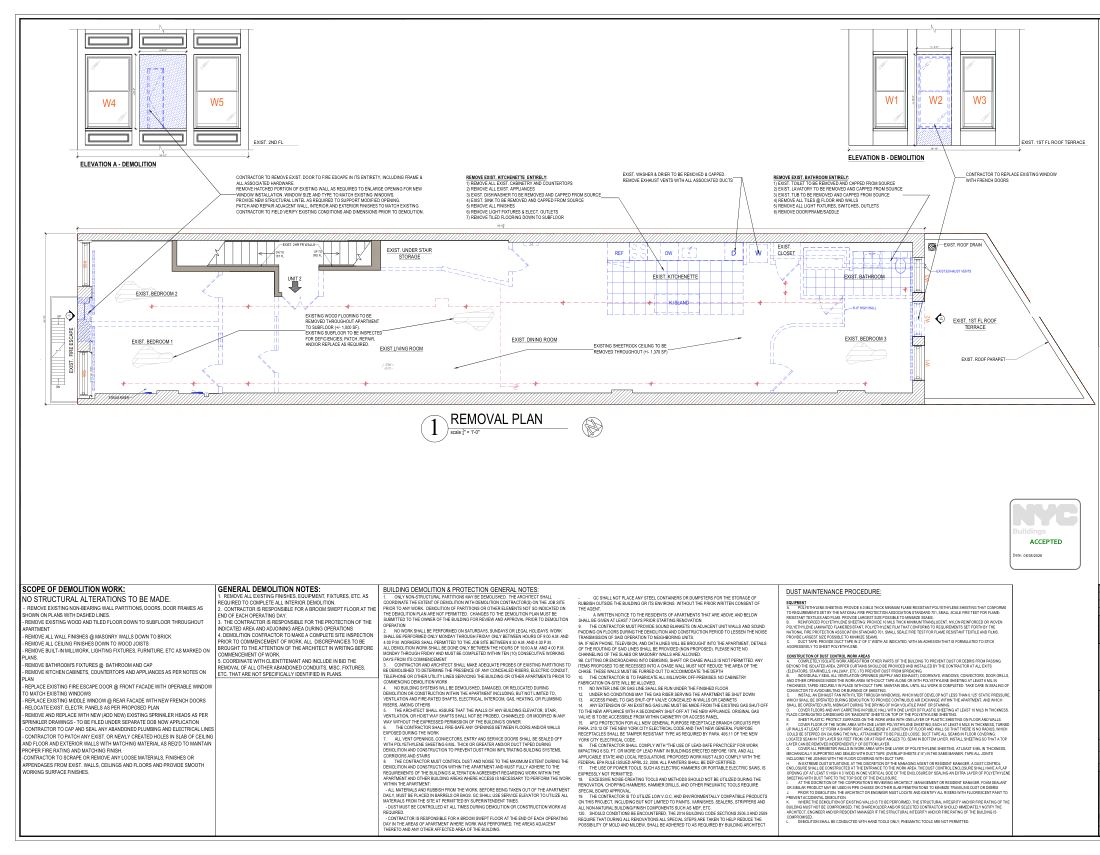
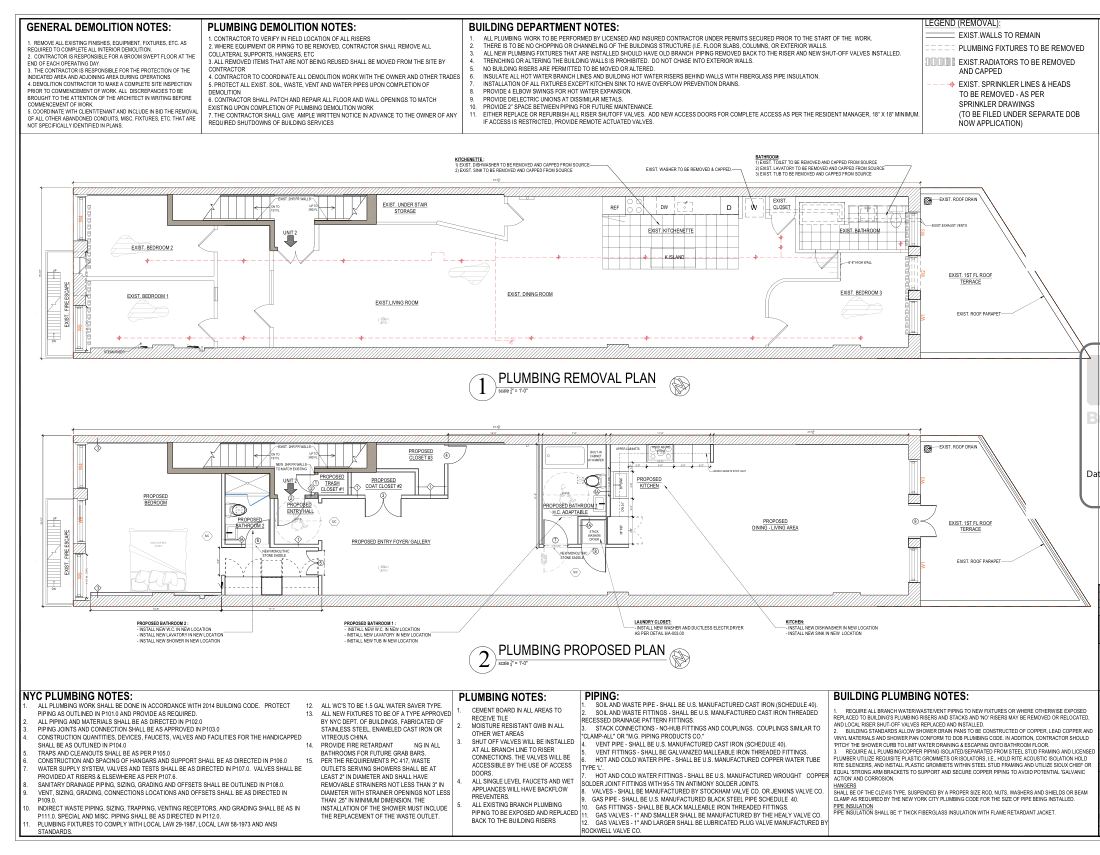
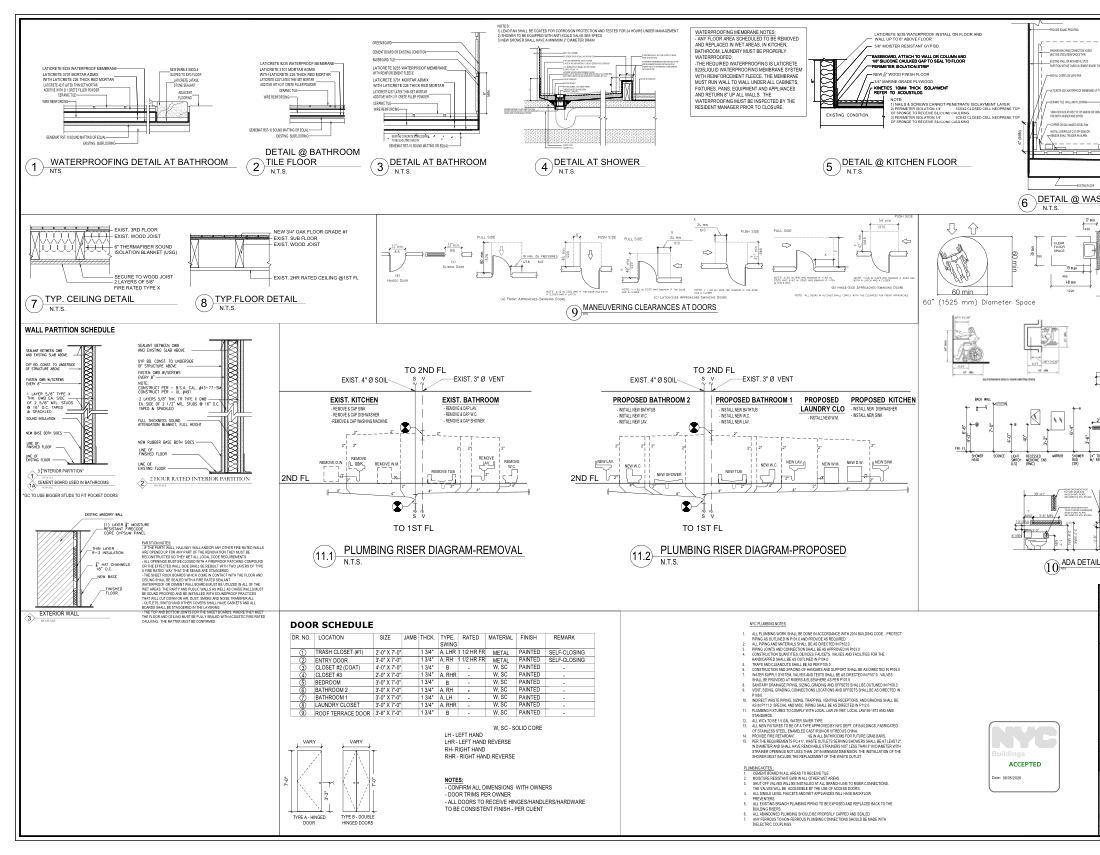
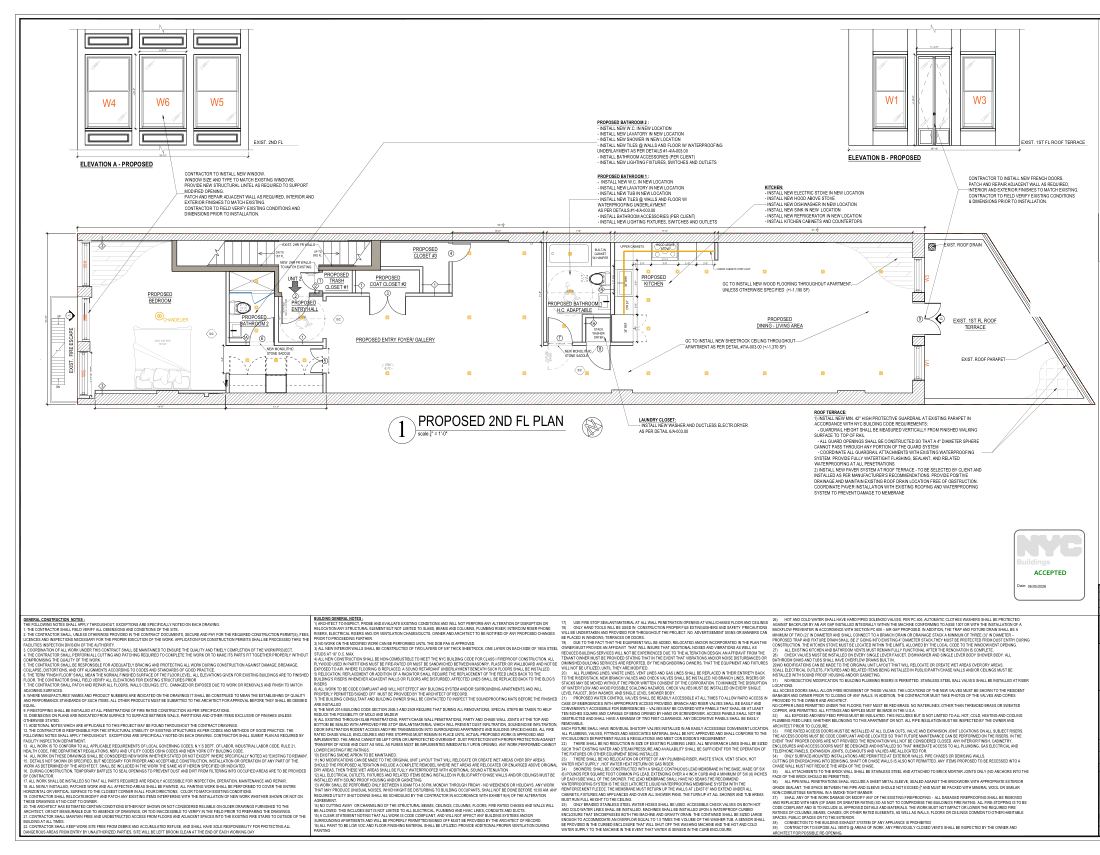
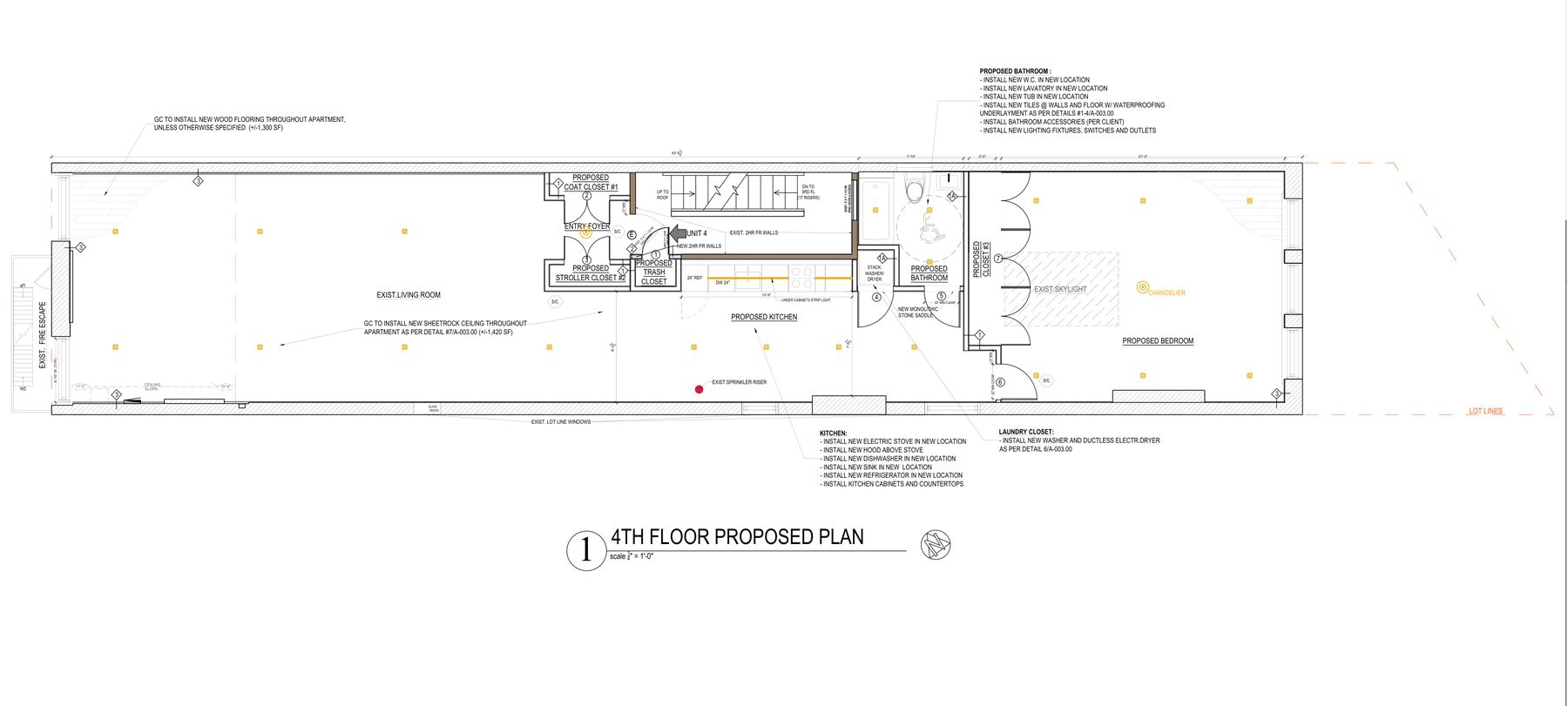
Real sheets from a 2026 apartment renovation in Manhattan. Title blocks and addresses removed.
Issue status
Mark a whole upload "100% CD · DOB Approved" in one go, or sheet by sheet. Older versions keep the status they went out with.
 For Pricing90% CD
✓ DOB Approved100% CD
For Pricing90% CD
✓ DOB Approved100% CD
Check first.Build from this.
For subs and the field
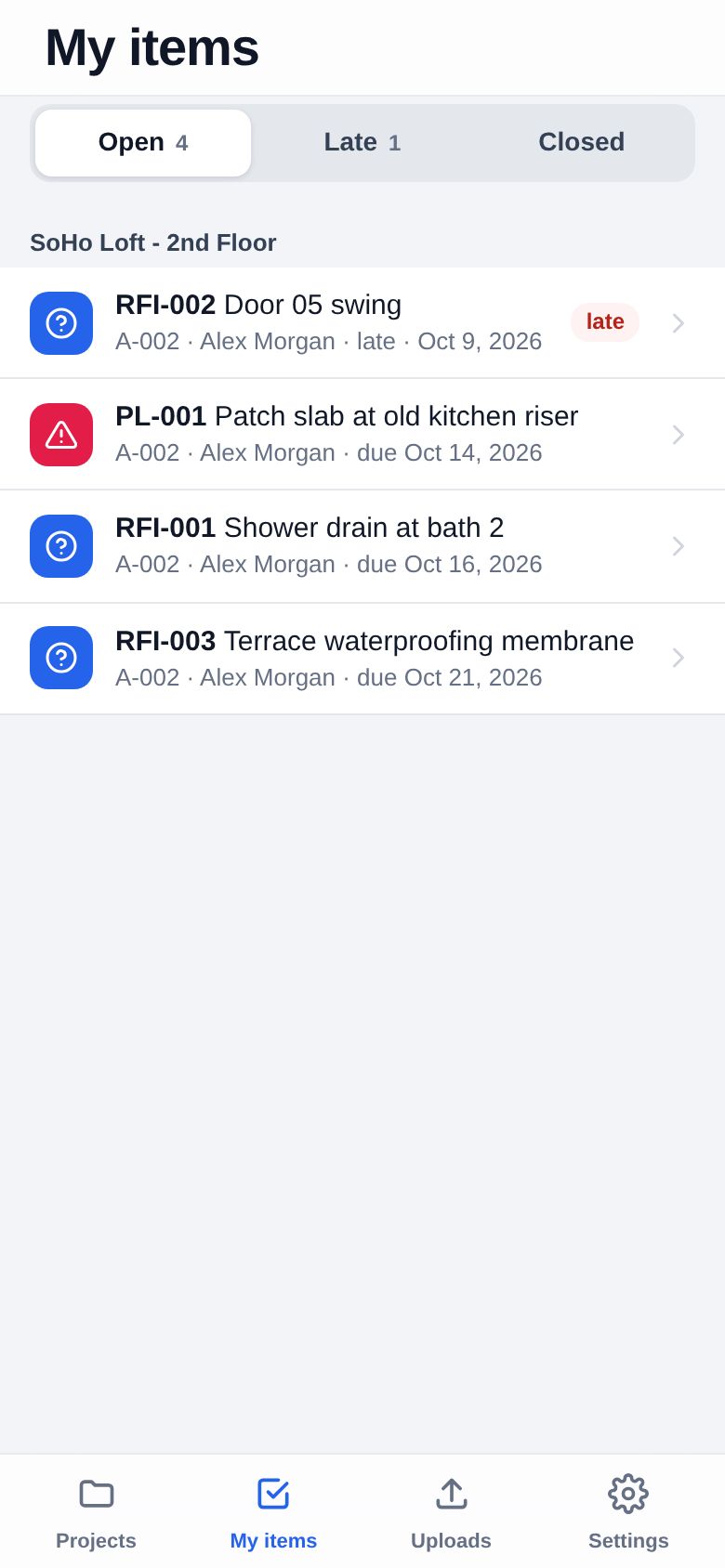
RFIs, punch, submittals
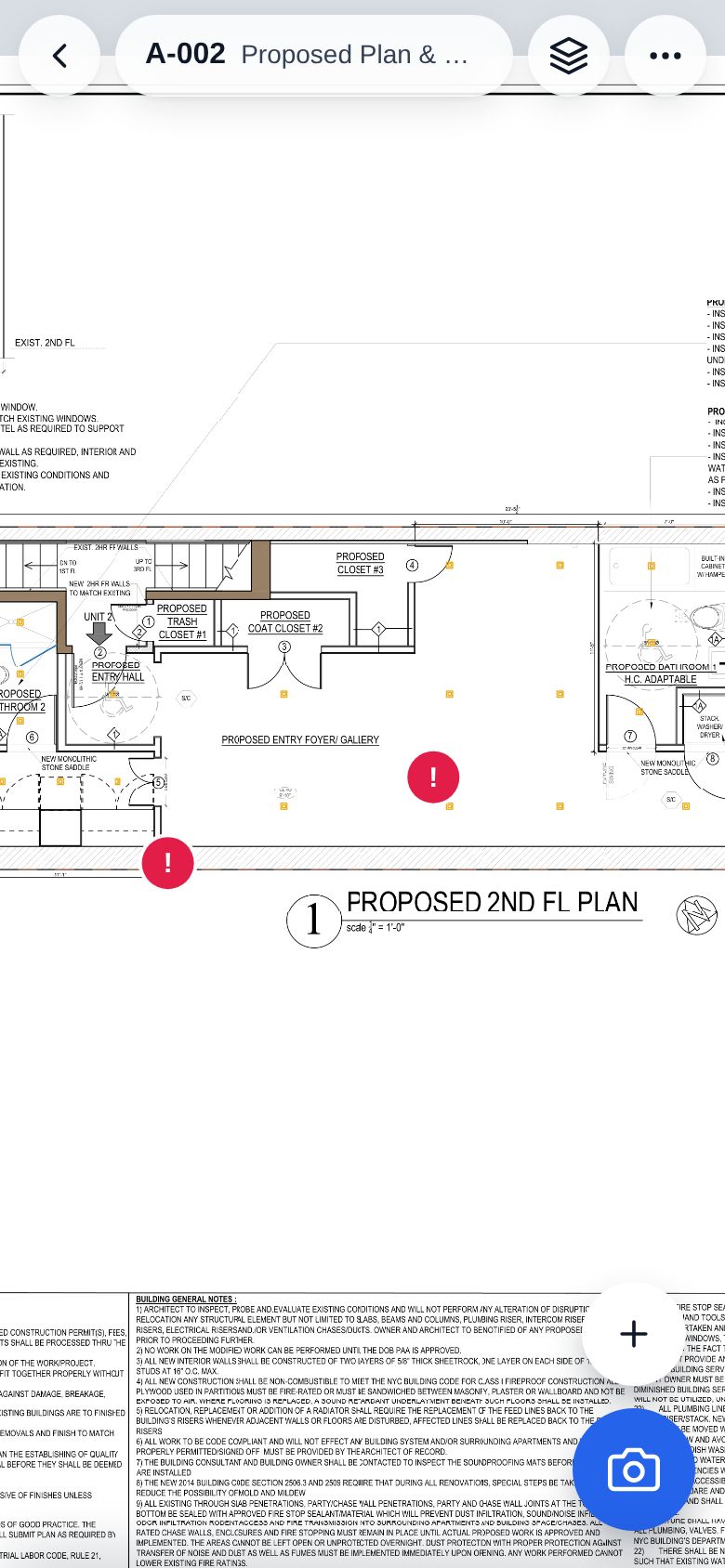
An RFI, a punch item or a note goes on the exact spot of the sheet - and stays there on every later version.
RFI-007, an owner, a due date, cost and schedule impact. Who sees it is your call: everyone, your team, or your team and the architect.
One click prints it on your letterhead with a crop of the drawing. The answer comes back by link and lands on the item.
Cover page plus the picked sheets in one PDF from your own mailbox; a resubmittal is simply the next version.
Operations · for the general contractor
Win the work, buy it out, run it, get paid and close it out - one record for every real thing, from the first invitation to bid to the last warranty call.
Invite subs, compare and level the quotes, carry one per trade, build the estimate and submit - no spreadsheet.
Packages, Exhibit A, contracts to sign, insurance checked, the sub's own link for payment requests and dates.
Every line says whether the crew can start, and why not. Materials, inspections and crews are connected to the work they hold up. Today on the phone for the super.
Changes and owner change orders, sub payments approved by position, G702/G703 billing, WIP, cash flow, QuickBooks.
The week everything happens at once
Every one of these has a button, a checklist and a record - so nothing quietly disappears from the plan.

The schedule is the spine
Deliveries, inspections, submittals, crews and changes are linked to the work they hold up - so the plan tells you what can happen this week, not just what was drawn in a Gantt chart.
Ready, Planned, Check needed or Blocked on every line, with the reason in words: "Porcelain tile: no receipt recorded · needed on site Oct 23". Open it and each cause has its button - Check receipt, Check progress, Review dates.
Drag a bar and see what follows in dashed outline, the new plan finish against the owner's date, the subs who have to confirm again - and what still stands in the way. Apply, keep it as a proposal, or cancel.
Lines whose dates have passed don't hide in the plan: "Forecast needs updating · Check 3 lines" walks you through them one by one, facts first, dates second.
What holds up work first, each with who takes the next step and who it waits on. Every case opens beside Home - you never lose your place.
The coming week as cards by area, the one thing to do on each, crews checked in at 6:30 - and saved on the phone when there's no signal.
One link shows a developer all their jobs: when each finishes and whether that's still a real forecast, what waits for their decision, why dates moved. They approve the cost and the days of a change separately.
The job's PM approves a sub's payment, the principal gives the final OK, the accountant pays. Each step lands on the right person's Home - set per position, your way.
A slip shows every activity that no longer fits, and you decide what moves next. A revised drawing asks about what was decided on the old one - the record keeps who and when.
Quotes, dates, payment requests, waivers and the owner's approvals come in by link - each answer says what it means for the work. They never pay and never need an account.
Your guide inside Revisions
Gal has run interior jobs in New York for twenty-five years - well, in spirit. He lives in the corner of every page. Ask how to do anything in plain words; he answers from the app's own manual and the page you're on, opens the right page and puts a ring around the button.
Ask a question. Get a clear answer. See exactly where to click. You're always in control.

Drawing review · Developer plan
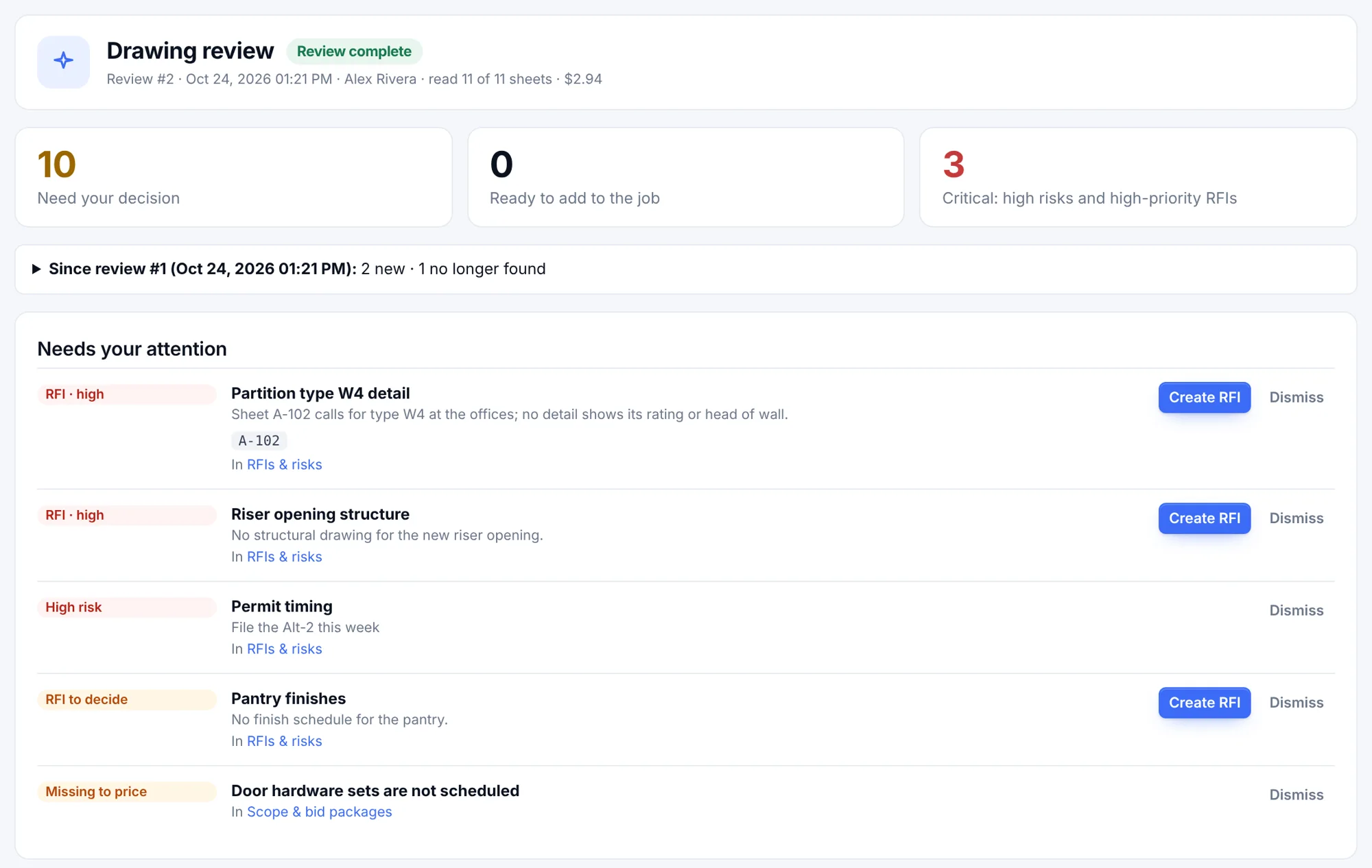
AI reads the current set and proposes what a GC team builds by hand: scope and bid packages, submittals and long leads, a first schedule, insurance questions, potential RFIs. You confirm each one.
A project brief, a note for this run and standing instructions per section. Add your own price book, CSI codes, crews and equipment - each section reads the parts that match the drawings.
A decision queue, not a report: tick the potential RFIs worth asking, add the submittals and long leads you agree with, set aside the rest. Nothing is filed or sent by itself.
Run it on the new set and see what is new and what is gone since the last review. Stop any time; every run is metered against your monthly allowance.
iPhone and Android
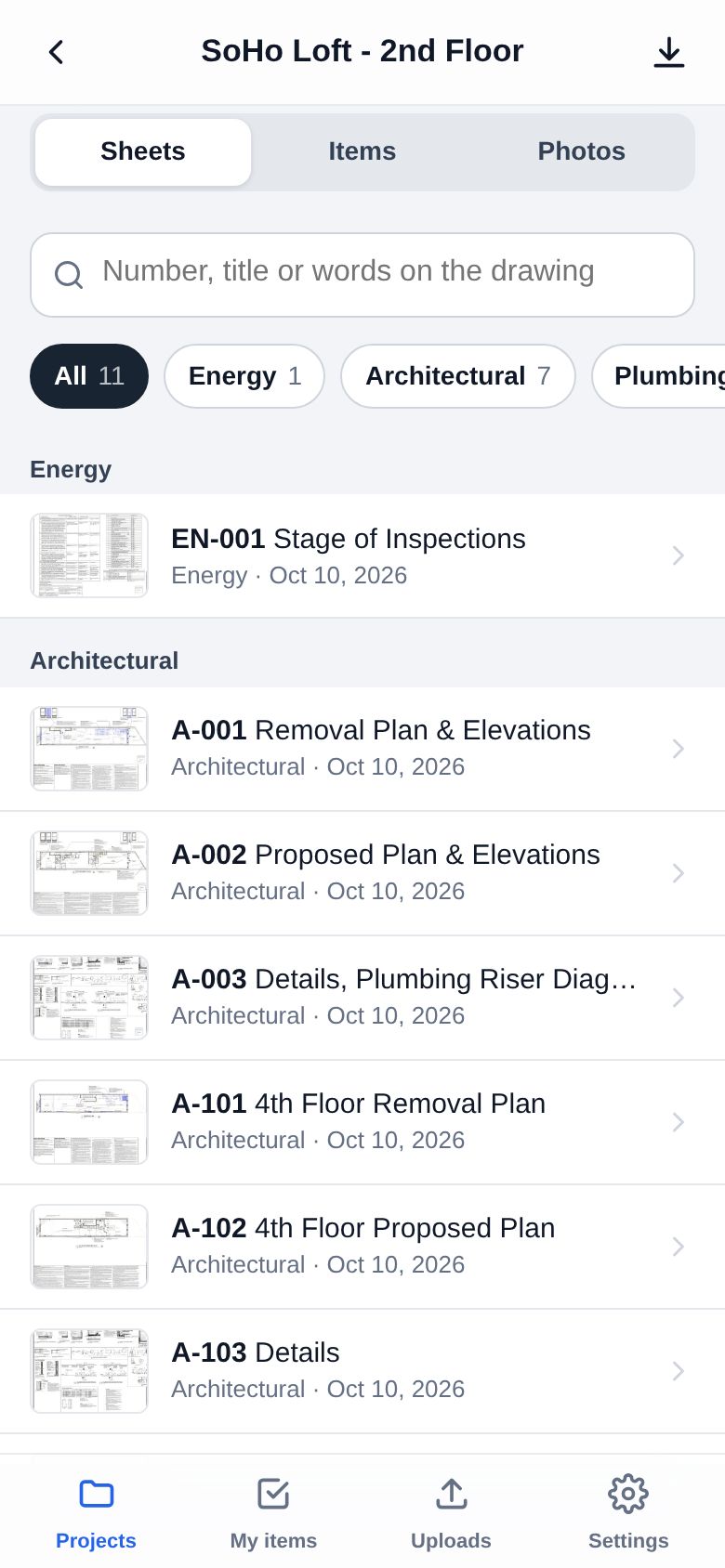
Keep a project on the phone and it works offline - markups and photos queue up and send themselves when the signal comes back.
Works with what you use
 monday.comItems and RFIs on your board, both ways.
OutlookMicrosoft 365Letters and transmittals from your own mailbox.
monday.comItems and RFIs on your board, both ways.
OutlookMicrosoft 365Letters and transmittals from your own mailbox.
 DropboxPDFs dropped in a folder come in as uploads.
 OneDrive · SharePointSame for the project's OneDrive folder.
 Google DriveAnd for Google Drive.
MCPClaude, ChatGPT & other AI appsAsk your projects in plain words: "what changed in the last addendum, and which RFIs are open on A-201?"
Google DriveAnd for Google Drive.
MCPClaude, ChatGPT & other AI appsAsk your projects in plain words: "what changed in the last addendum, and which RFIs are open on A-201?"
Pricing
30 days free, no card needed. Drawings per person, Operations per company. Cancel any time.
$0forever
One person, one project. See what it does on a real set.
$12per person / month
For a GC running jobs with its subs and consultants.
$24per person / month
For a busy office with many sets moving at once.
$990per person / month
For owners and developers who want the whole picture, not just the drawings.
One price for the whole company.
$349per company / month
Add Operations to Team or Pro - $279/month with annual billing. No additional per-user fee. Bidding, buyout, the schedule, the field and the money, with Gal to show you where.
Example: 10 people on Team + Operations = $469 / month
Try Operations 30 days freeOperations: one flat price per company, no per-user fee on top of the seats you already have; no setup fee, cancel any time - your records stay. Every account in your company is a seat - your staff and the subs and consultants you invite. Somebody who already has their own company on Revisions joins your projects free. Prices in USD, plus sales tax where it applies.
Fewer things falling through the cracks. 30 days free, no card needed - Gal will show you around.
Contact
We build Revisions in Brooklyn and use it on our own jobs. Write or call - we answer.